SQL tutorial — learn by running the queries
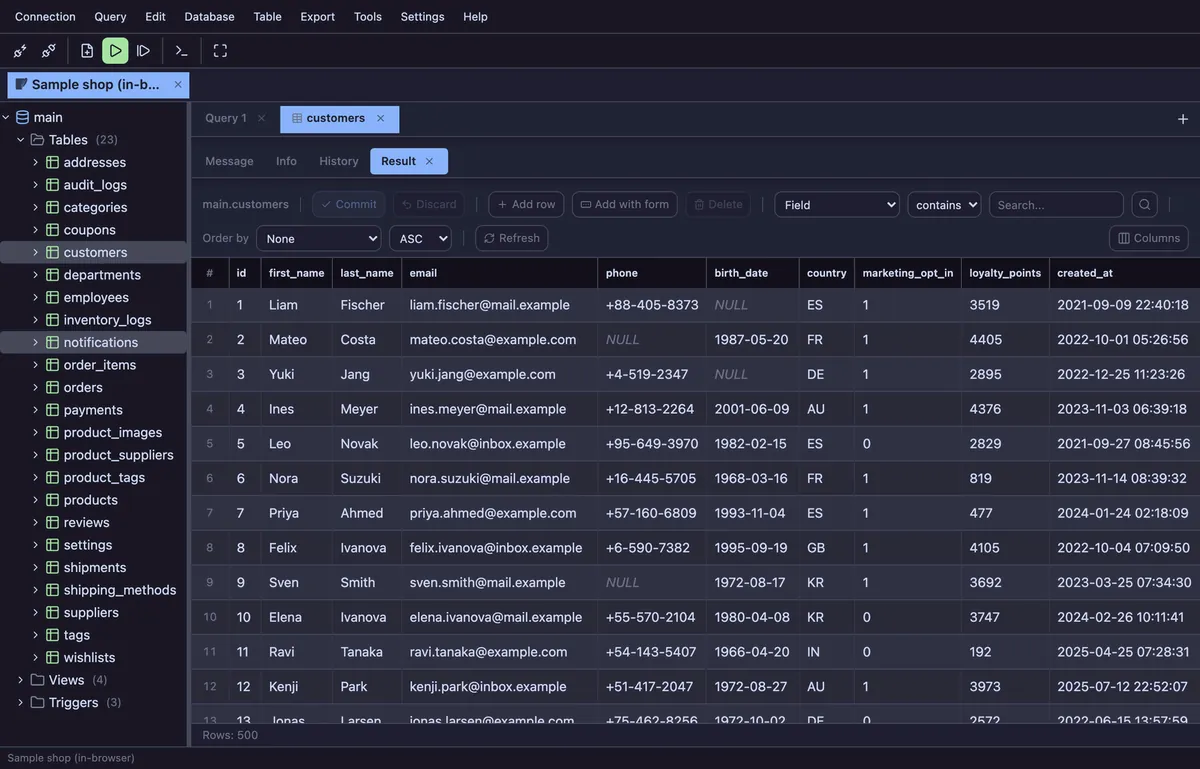
Most SQL tutorials ask you to install a database server before the first SELECT. This one does not. The examples run in a real SQL client inside this browser tab, against a sample shop database of 23 tables and about 50,000 rows: you read a paragraph, press Run, and see the rows it was describing.
Where to start
- What a database looks like — tables, rows, columns, NULL and primary keys, before any syntax
- Reading rows — SELECT, WHERE, ORDER BY, LIMIT and column aliases
- Combining tables — INNER JOIN, LEFT JOIN, and why ON is not the same as WHERE
- Summarizing rows — COUNT, SUM, AVG, GROUP BY and HAVING
- Why is this slow? — reading a query plan and adding the index it is asking for
- All fourteen lessons, in order, are on the Learn SQL page.
What you need
A browser. There is nothing to install, no account and no sign-up. The sample database is loaded into the page with WebAssembly and stays there — it is never uploaded, and closing the tab is all it takes to throw it away. There is more on what running SQL online actually means here.
How the examples run
Most examples carry a Run in Planche button. It opens the app with the sample database attached and the query already in a tab, so you can change a column, run it again and see what breaks — which is the part a tutorial you only read cannot give you.
The lessons are written in the SQL every engine shares, and four of them put MySQL, PostgreSQL, SQL Server and Oracle side by side where the dialects genuinely differ. When you move to a real server, Planche connects to it through a small local agent and the SQL you just learned goes with you.
Questions
Do I need to install MySQL or PostgreSQL first?
No. The tutorial runs on SQLite compiled to WebAssembly inside the page. When you want a real server later, npx planche starts a local agent that connects to MySQL, MariaDB, PostgreSQL, SQL Server, Oracle, Neon, Supabase or Cloudflare D1.
Which dialect does it teach?
The core lessons stay in the SQL that every engine shares. Where the engines really differ — paging, upsert, string and date functions, UPDATE across two tables — a separate lesson shows the four dialects next to each other.
How long does it take?
The nine core lessons are an afternoon if you run the examples, and they are meant to be run. The dialect lessons are reference: read the one you need when you meet it.
Is it free?
All of it, with no account. Planche is free for every engine it supports; a few advanced features need Pro, listed on the pricing page.
Free to use
Planche has a free tier that needs no account and uploads none of your data — connection profiles live only in your browser. A few advanced features need Pro; see pricing.