Oracle Database client that runs in your browser
Planche is a free Oracle GUI — a lightweight alternative to SQL Developer or Toad — that needs only a browser and a one-line local agent. Works with Oracle Database 19c, 21c and 23ai (including Oracle Free), Autonomous Database and Oracle on Docker, with no Instant Client to install.
Open the Oracle client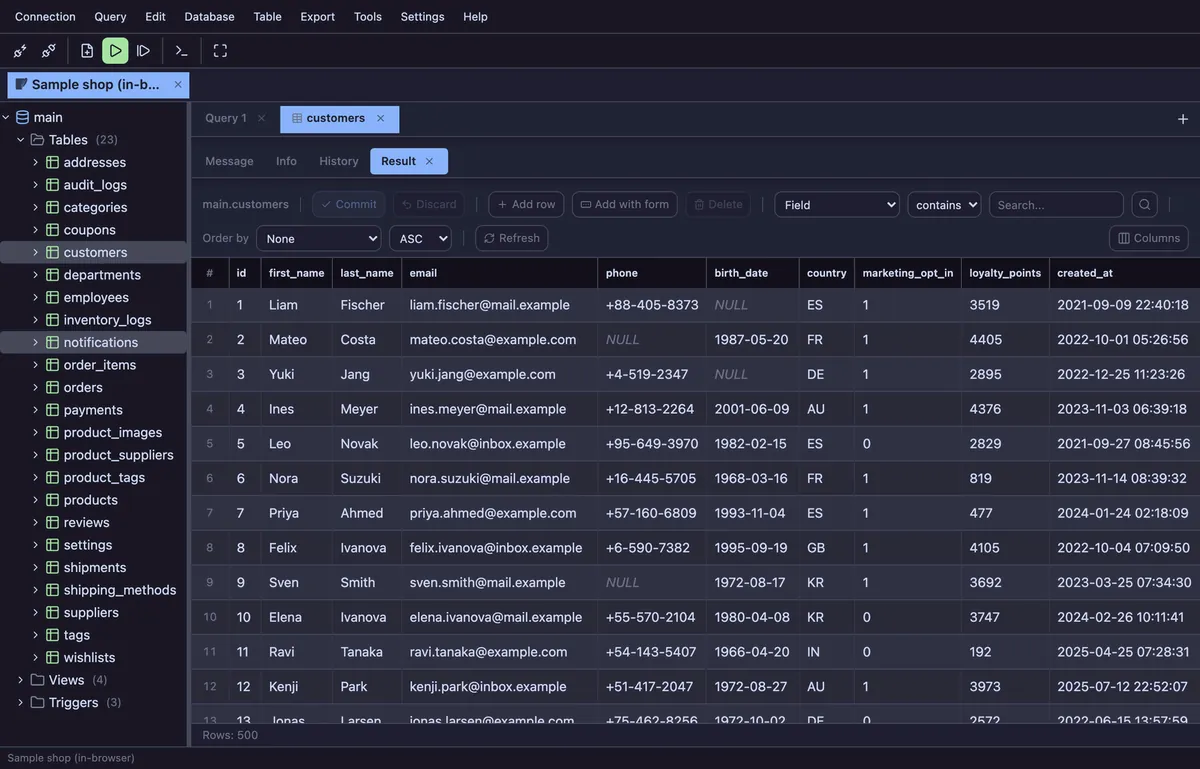
Features
- SQL and PL/SQL editor: anonymous blocks and
/terminators parsed correctly, trailing;handled for you - Schema-aware tree: schemas › tables, views, procedures, functions, triggers, columns, indexes
- Editable result grid with previewed UPDATE statements;
FETCH FIRST n ROWSlimits applied to ad-hoc SELECTs - CREATE TABLE DDL, ERD viewer from foreign keys
- Read-only connections, production color, destructive-statement confirmation, manual transactions
- Query history and local snapshots
How it connects
Run npx planche in a terminal (Node 22+). It starts a tiny local agent on your machine that holds the Oracle session (pure-JavaScript oracledb thin mode — nothing else to install) and opens this page already paired to it. The browser talks only to 127.0.0.1; your host, user and password never go to any server. Remote databases can be reached through an SSH tunnel.
No Node.js? One line installs the agent — curl -fsSL https://planche.dev/install.sh | sh on macOS and Linux, irm https://planche.dev/install.ps1 | iex on Windows. Everything stays inside your home directory, nothing asks for an administrator, and a machine without Node.js gets a private copy of it. Afterwards planche is a command that starts instantly; planche upgrade keeps it current.
Connect with a host, port and service name (for example FREEPDB1); the current schema is switched with ALTER SESSION SET CURRENT_SCHEMA as you browse.
Also available: SQLite viewer, MySQL client, MariaDB client, PostgreSQL client, SQL Server client, Neon client, Supabase client, Cloudflare D1 client, Cloudflare Durable Objects client, Redis client, Elasticsearch client and OpenSearch client.
Free to use
Planche has a free tier that needs no account and uploads none of your data — connection profiles live only in your browser. A few advanced features need Pro; see pricing.